“`html
How to Design Databases for Applications
Designing a database is a crucial part of developing applications that require organized, consistent, and reliable data storage. Whether you’re building a simple app or a complex system, knowing how to effectively structure your database is key to ensuring performance and scalability. This blog post outlines a step-by-step guide to database design for new systems, covering everything from identifying requirements and creating entity-relationship diagrams to testing and iterating on your design. We will also discuss the characteristics of a good database design, providing you with a comprehensive understanding of how a well-constructed database can enhance your application’s efficiency and user experience.
How to Design a Database for a New System?
Step 1: Identify Requirements
The first step in designing a database is understanding the requirements of your application. This involves gathering information about the types of data you need to store, the volume of data, the relationships among different data entities, and how data will be accessed and modified. Engaging with end-users and stakeholders can provide valuable insights into the data needs and ensure that the database design aligns with business goals.
Requirement identification also involves defining user actions and processes, setting clear objectives for data retrieval, and considering scalability. Addressing these aspects early in the process helps to avoid costly modifications later on, ensuring that the database evolves with the system without compromising performance or data integrity.
Step 2: Conceptual Data Modeling
Once the requirements are established, the next step is to create a conceptual model of the data. This model serves as a high-level representation of the organizational structure, focusing on what data exists and how it relates to other data. Often depicted through diagrams, conceptual models encapsulate main entities, attributes, and relationships without diving into technical details.
A well-developed conceptual model provides a clear picture of the data landscape and becomes a critical communication tool among developers, designers, and stakeholders. It bridges the gap between high-level business requirements and the more detailed technical implementation.
Step 3: Entity-Relationship Diagram (ERD)
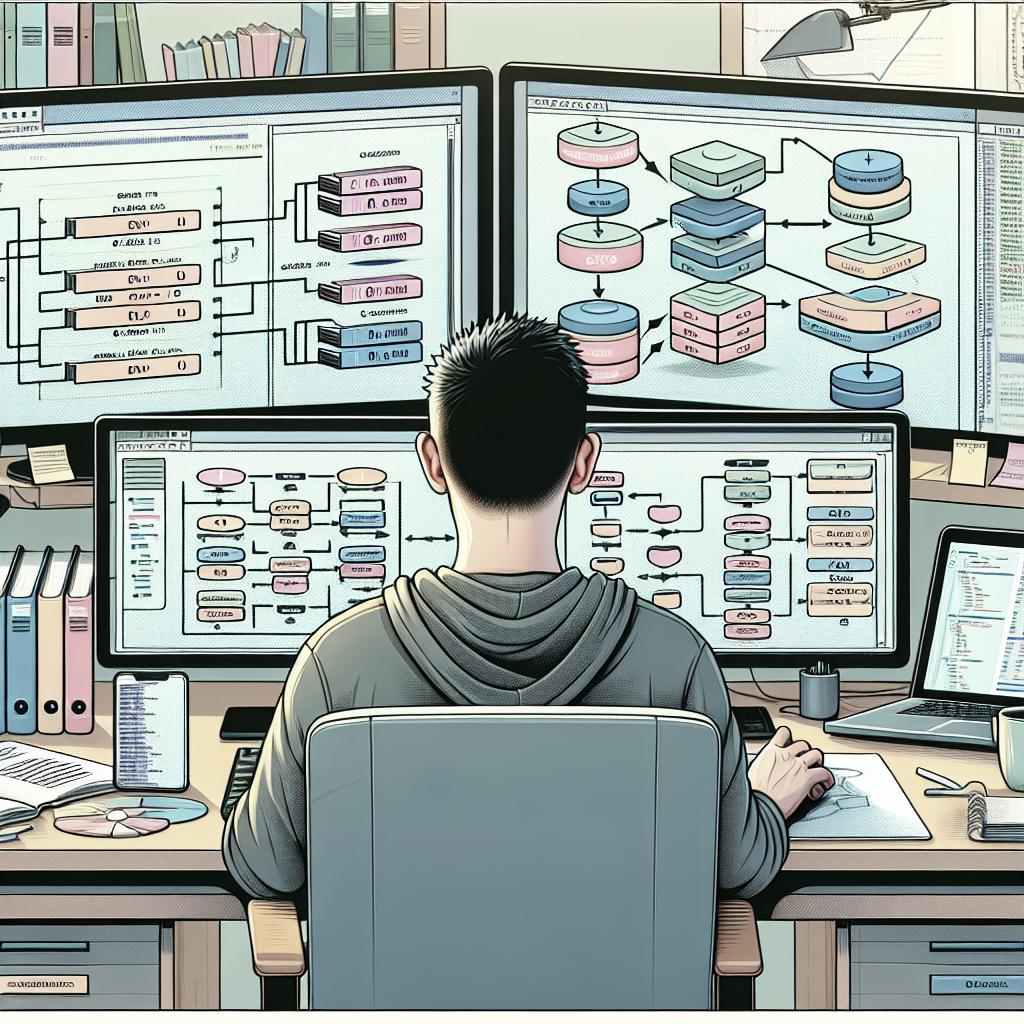
Developing an Entity-Relationship Diagram (ERD) is a pivotal aspect of database design. ERDs visually represent data entities, their relationships, and cardinality between them. They offer a detailed map of how data interacts within your system, allowing you to spot logical inconsistencies or redundant data structures early on.
When creating an ERD, it’s important to precisely define entities and their attributes while ensuring relationships accurately reflect how entities interact. ERDs enable database designers to effectively communicate the system’s structure to technical and non-technical stakeholders alike, fostering a shared understanding of the data architecture.
Step 4: Normalize the Data Model
Normalization is the process of organizing data to minimize redundancy and improve data integrity. This step involves dividing larger tables into smaller, related tables and defining relationships via foreign keys. The goal of normalization is to eliminate redundancy, ensure data dependency is logical, and enhance database performance.
By adhering to normalization principles, such as the normal forms (1NF, 2NF, 3NF, etc.), you can prevent data anomalies and reduce the chance of errors, making database maintenance more manageable in the long term. It’s crucial to balance normalization with performance needs, as highly normalized databases might require complex queries, impacting speed.
Step 5: Define Tables and Columns
Once the data model is normalized, you can define the physical table structures. This step involves the implementation of the entities and their attributes as database tables and columns. Detailed data definitions, including data types, constraints, and default values, are essential to maintaining data consistency and accuracy.
Designing your tables requires thoughtful consideration of indexing, data types that best suit your needs, and defining primary keys for unique identification of records. These decisions can affect storage efficiency and data retrieval speed, significantly impacting application performance.
Step 6: Establish Relationships
In relational database design, defining the relationships between tables is crucial. These relationships are often established through primary and foreign keys, ensuring that data is interconnected in a meaningful way. This not only maintains data integrity but also supports complex querying capabilities.
Establishing clear relationships helps in structuring queries that retrieve relevant data efficiently. It’s important to anticipate how data will be accessed and manipulated to ensure the relationships do not become a bottleneck. Properly configured relationships can improve performance and facilitate easier data management.
Step 7: Implement Indexes
Indexes play a vital role in optimizing database performance by speeding up data retrieval operations. Creating indexes on frequently searched or sorted columns can significantly reduce query execution times, enhancing the responsiveness of your application.
When implementing indexes, consider the trade-offs between faster read operations and the potential for slower data insertion or updates. Not all columns require indexing; selecting those most crucial to your queries can balance performance with resource management.
Step 8: Test and Iterate
Finally, an iterative approach to testing the database design ensures it meets all functional and performance requirements. This involves running various test cases to evaluate how well the design supports anticipated queries and workloads under different conditions.
Through this process, you may uncover areas for improvement or optimization, leading to refinements in database structure or indexing strategies. Continuous feedback and iteration are key components to address evolving needs and maintain an efficient database over time.
What is a Good Database Design?
A good database design is characterized by simplicity, flexibility, and scalability. It should accurately reflect the requirements of the application, facilitating efficient data operations while maintaining data integrity and security. The design should ensure minimal redundancy, logical data organization, and support for anticipated future growth.
Moreover, a robust database design enables quick adaptation to changes in application needs without requiring significant restructuring. This requires designing with foresight and considering potential scalability and integration issues that might arise as the application evolves.
Next Steps
| Step | Description |
|---|---|
| Identify Requirements | Understand application needs, data types, relationships, and access patterns. |
| Conceptual Data Modeling | High-level representation of data entities and relationships. |
| Entity-Relationship Diagram (ERD) | Visual map of data entities, attributes, and relationships. |
| Normalize the Data Model | Organize data to minimize redundancy and improve integrity. |
| Define Tables and Columns | Implement normalized entities as tables with appropriate data types and constraints. |
| Establish Relationships | Define inter-table relationships using keys, ensuring data integrity. |
| Implement Indexes | Enhance query performance by indexing frequently accessed columns. |
| Test and Iterate | Evaluate design performance, refine based on feedback, and adapt to evolving needs. |
“`